The expert can’t be everywhere.
Travel delays and unclear phone calls keep your team waiting when equipment needs attention.
Bring the expert into viewAR remote assistance and digital twin software for maintenance, field service and manufacturing teams.
When equipment stops, the expert may be elsewhere and the instructions hard to find. GuideMeAR uses augmented reality to connect the people doing the work with the knowledge they need.
Live assistance. Digital twins. Lasting knowledge.
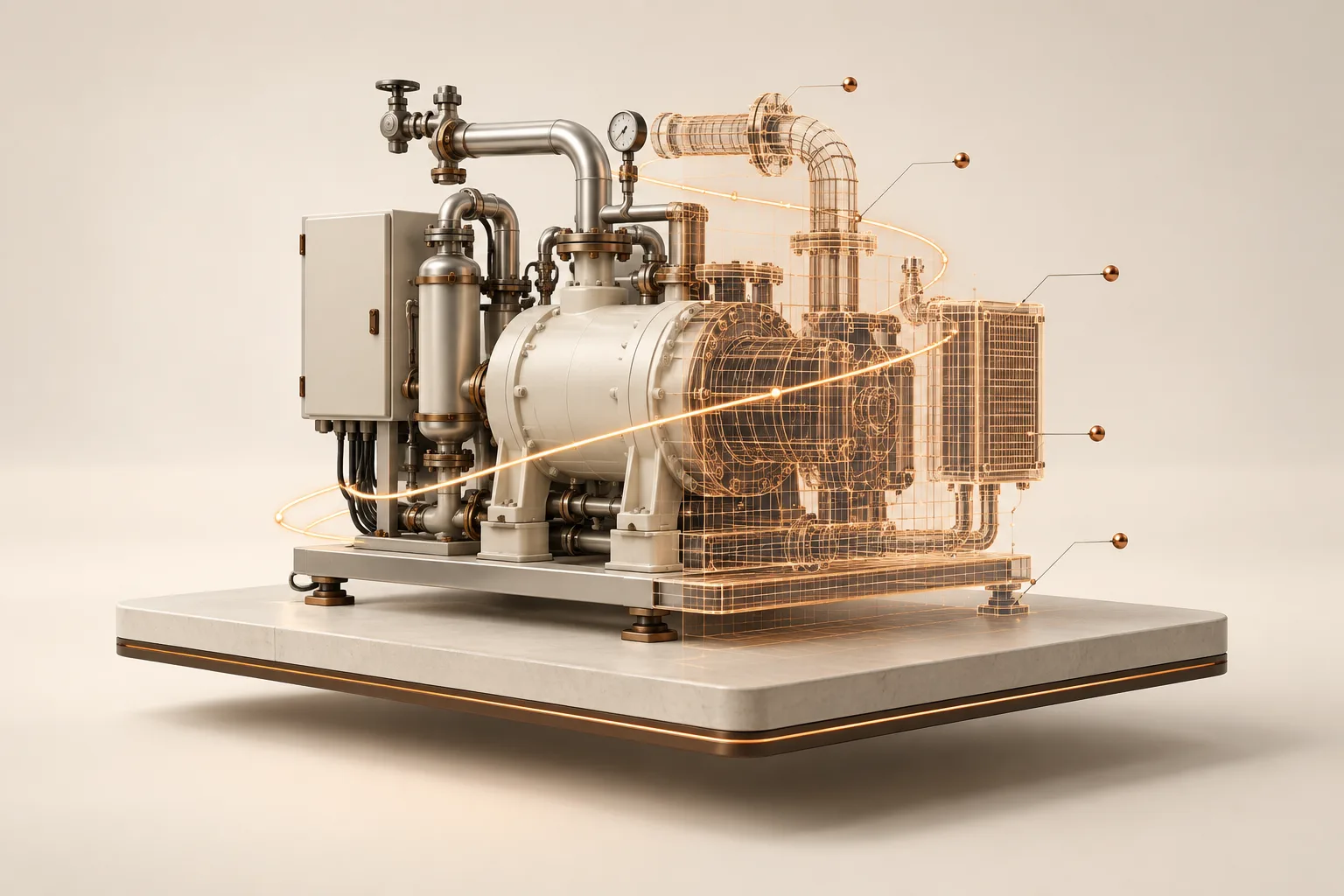
THE GAP BETWEEN KNOWING AND DOING
Someone often knows the answer. The difficulty is getting that knowledge to the person working on the equipment.
Travel delays and unclear phone calls keep your team waiting when equipment needs attention.
Bring the expert into viewKnow-how stays in someone’s head. New technicians repeat the search, the call, and the explanation.
Make expertise reusableCustomers need the right repair instructions for the product in front of them, long after delivery.
Connect guidance to the productTHREE SOLUTIONS. ONE CONNECTED APPROACH.
Choose a solution for the task in front of you, then build on it as your team’s needs grow.
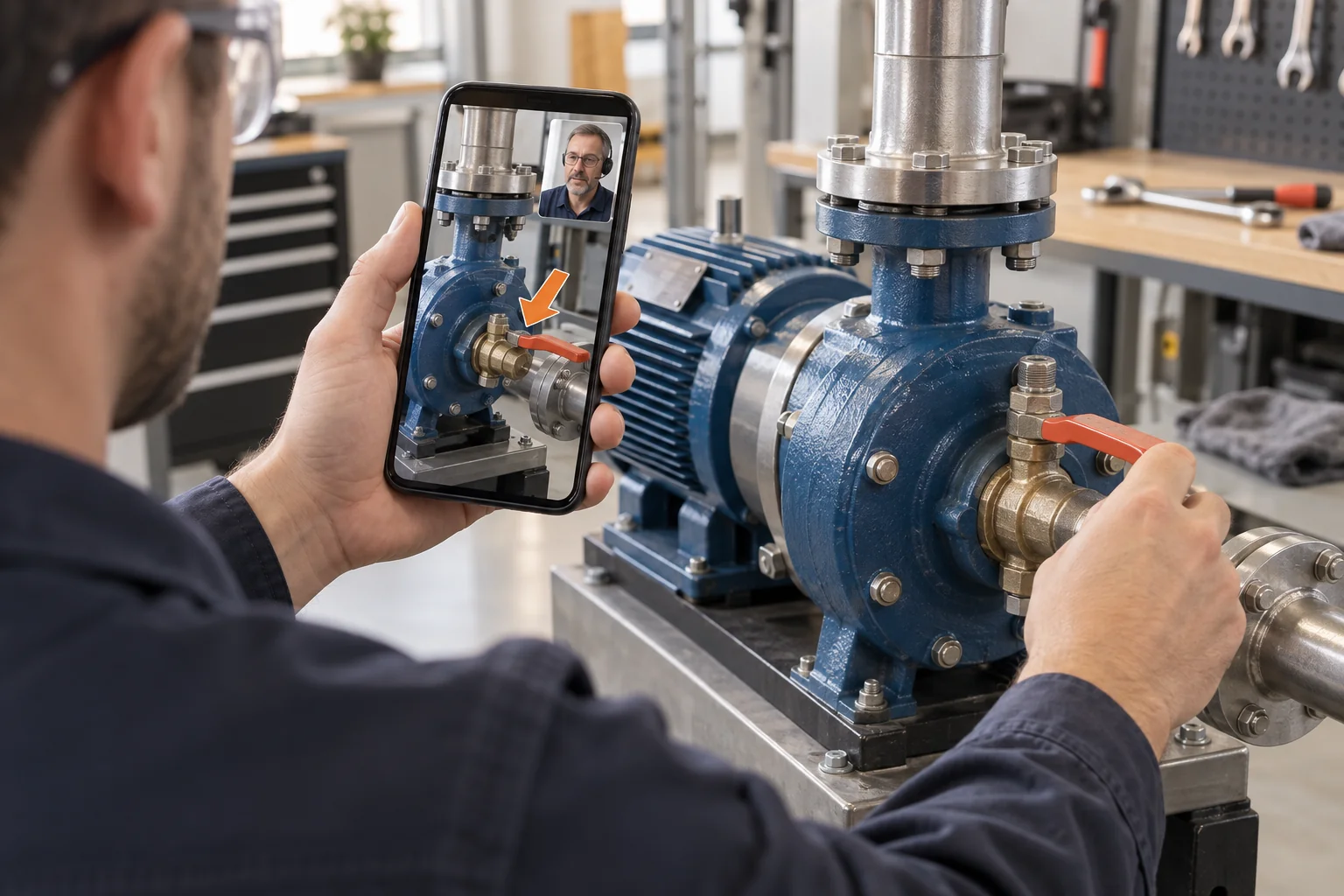
Solve it together. From anywhere.
Bring an expert into the moment. Live video and AR arrows help people see the same problem and act on clear, visual guidance.
Less back-and-forth. Fewer unnecessary site visits.
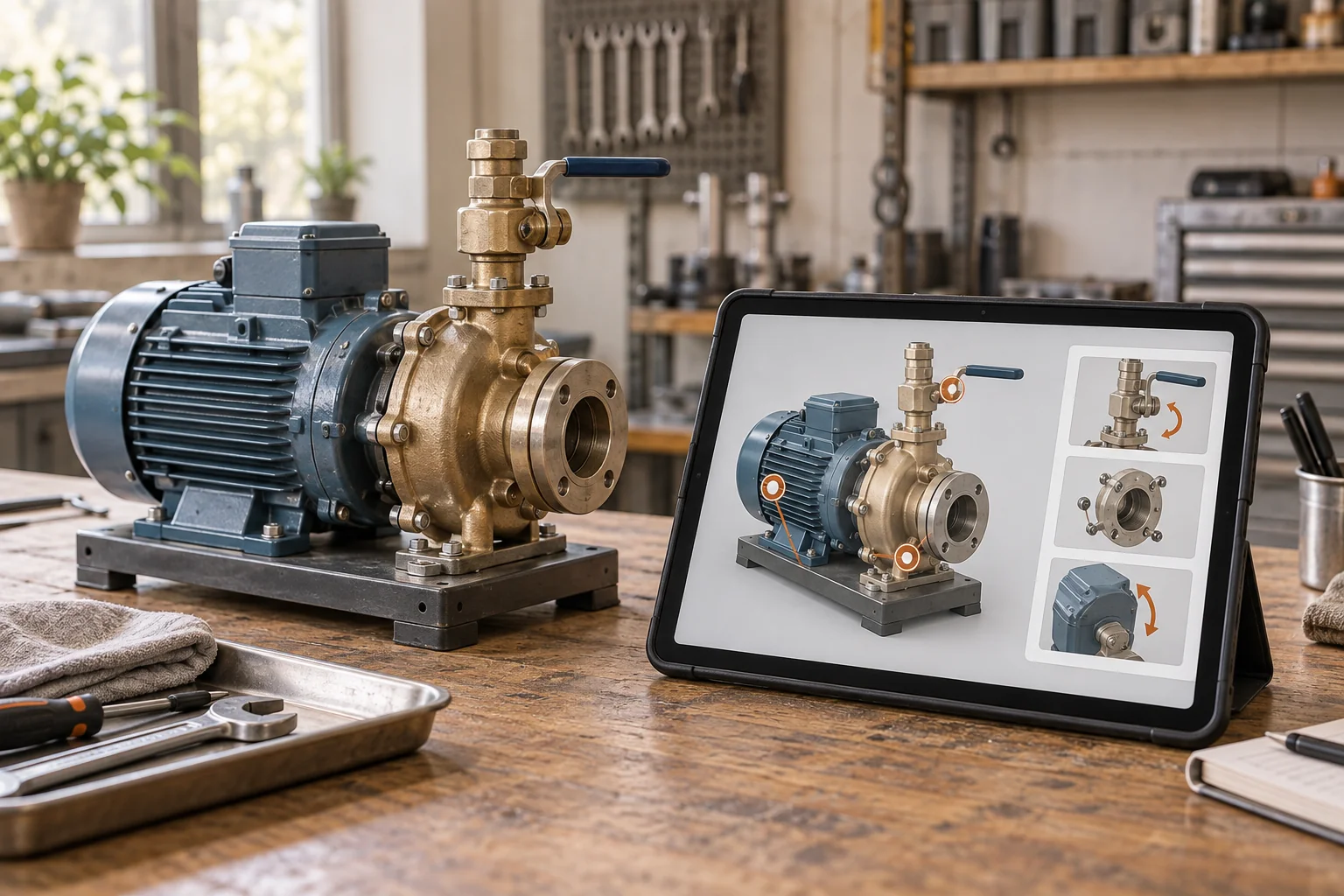
Capture once. Guide again and again.
Turn a smartphone recording into a digital twin. Attach instructions to the equipment so your team can find and reuse expertise in context.
Keep knowledge available, even when the expert is not.
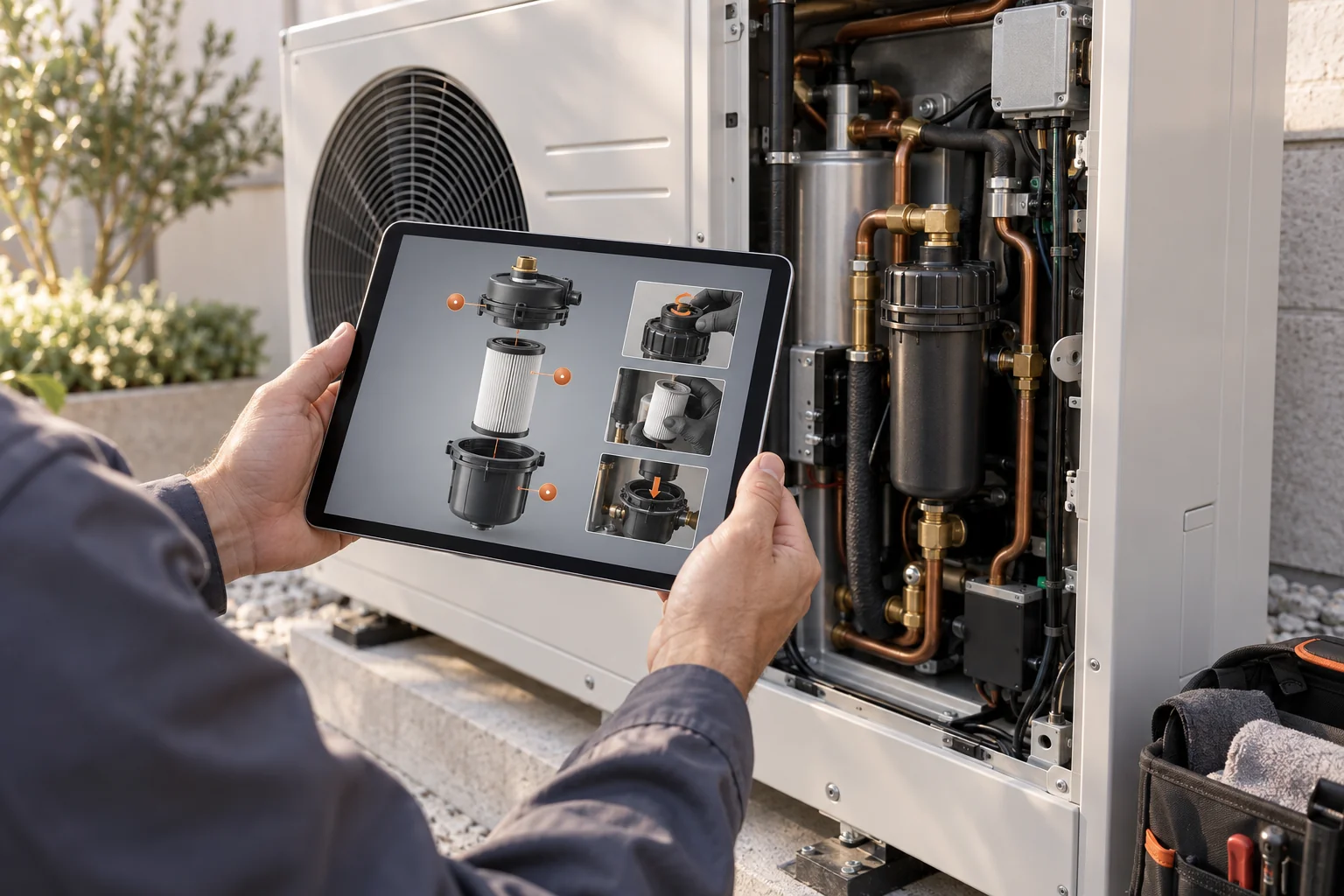
Keep repair knowledge with the product.
Give customers and technicians a visual way to access product-specific repair and maintenance guidance, with long-term digital documentation delivery.
Make complex documentation easier to find and follow.
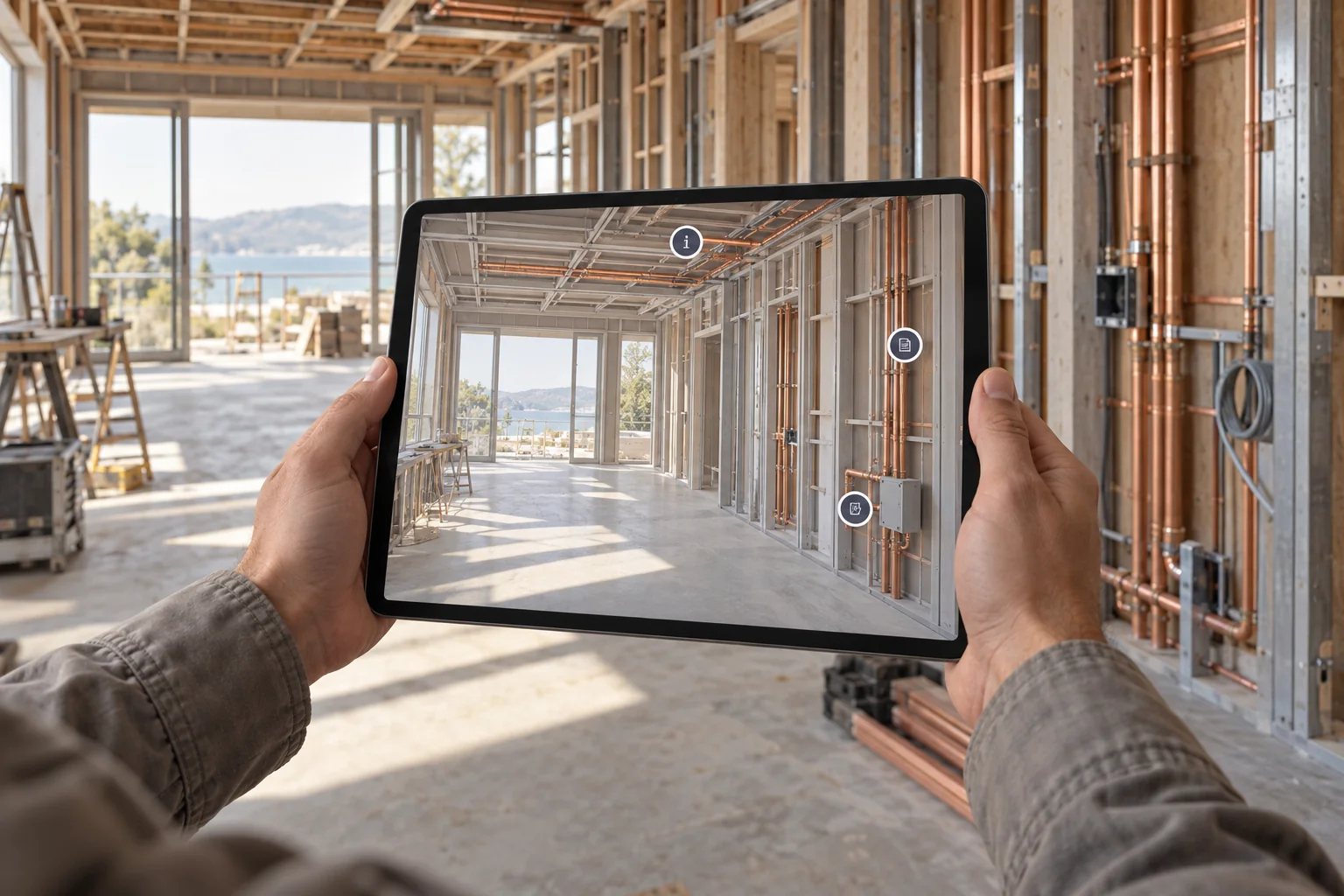
Capture your building as a live knowledge layer.
Turn site records and walkthroughs into a reusable digital twin that helps architects and construction teams coordinate decisions in context.
Reduce rework and keep project knowledge accessible across teams.
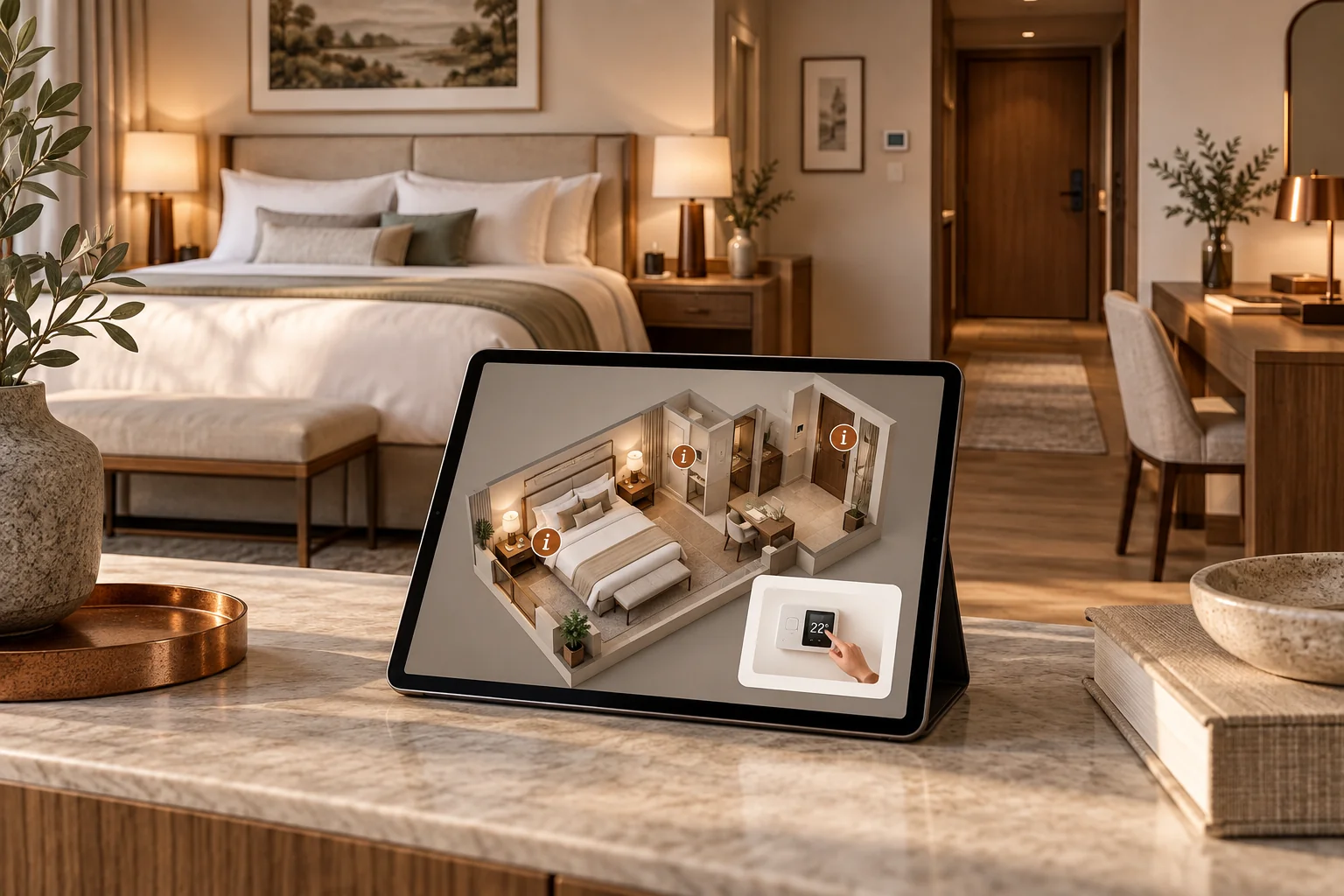
Turn spaces into guided operational experiences.
Document rooms, assets, and service workflows in a digital twin so staff and guests can find the right information quickly and confidently.
Improve operations, onboarding, and guest experience with clearer guidance.
FROM ONE ANSWER TO SHARED KNOW-HOW
Bring in a remote expert for an unfamiliar problem. For work that repeats, attach the procedure to a digital twin so the next person can use it.
Connect a remote expert to the real situation through live video and AR guidance.
Capture the asset and attach useful instructions to the components they describe.
Help technicians and customers access visual knowledge when they return to the equipment.
LET’S MAKE WORK CLEARER
Tell us about the support problem, asset or documentation process you want to improve. We’ll work with you to choose a starting point.