 1
1Record the asset
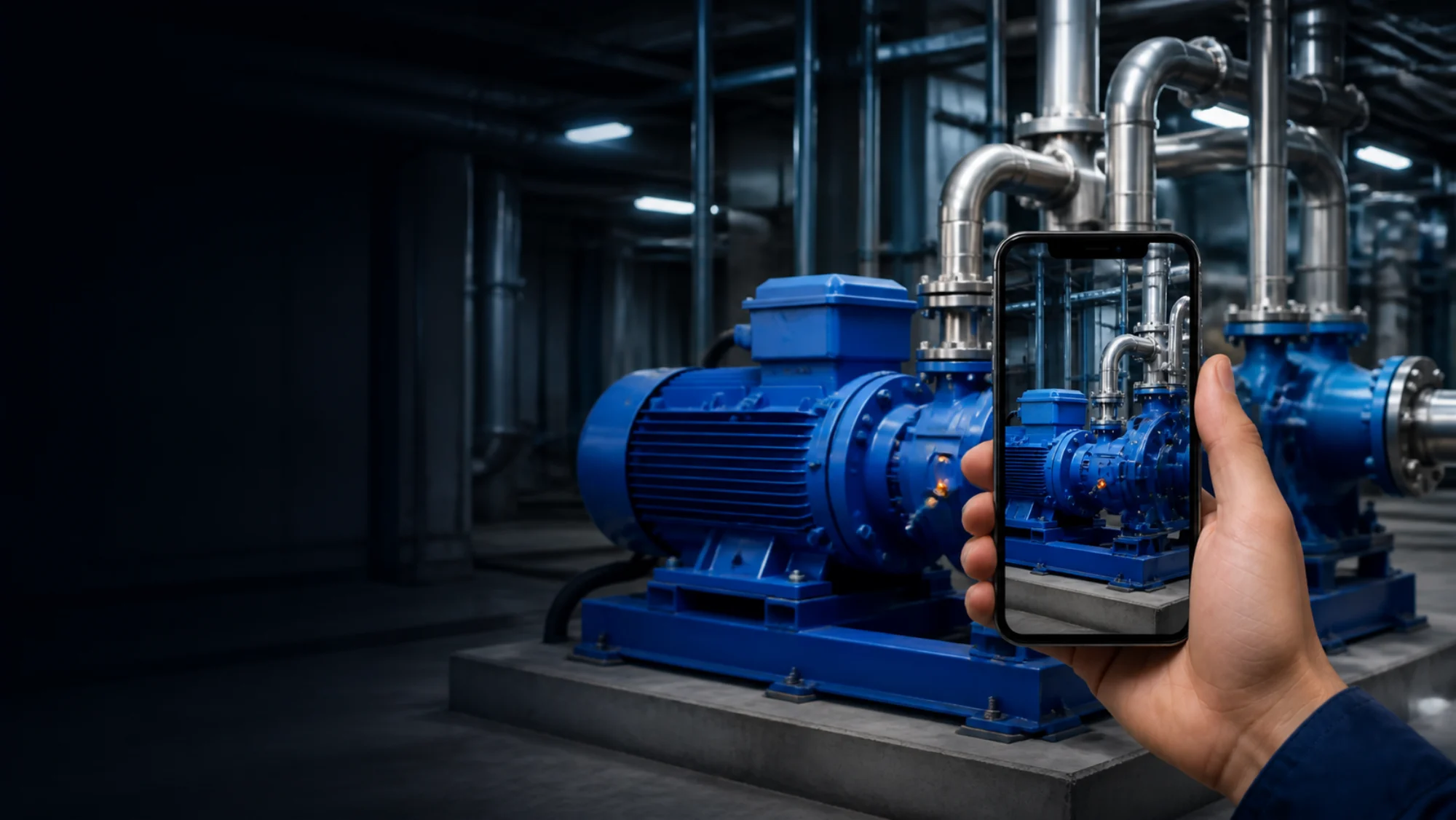
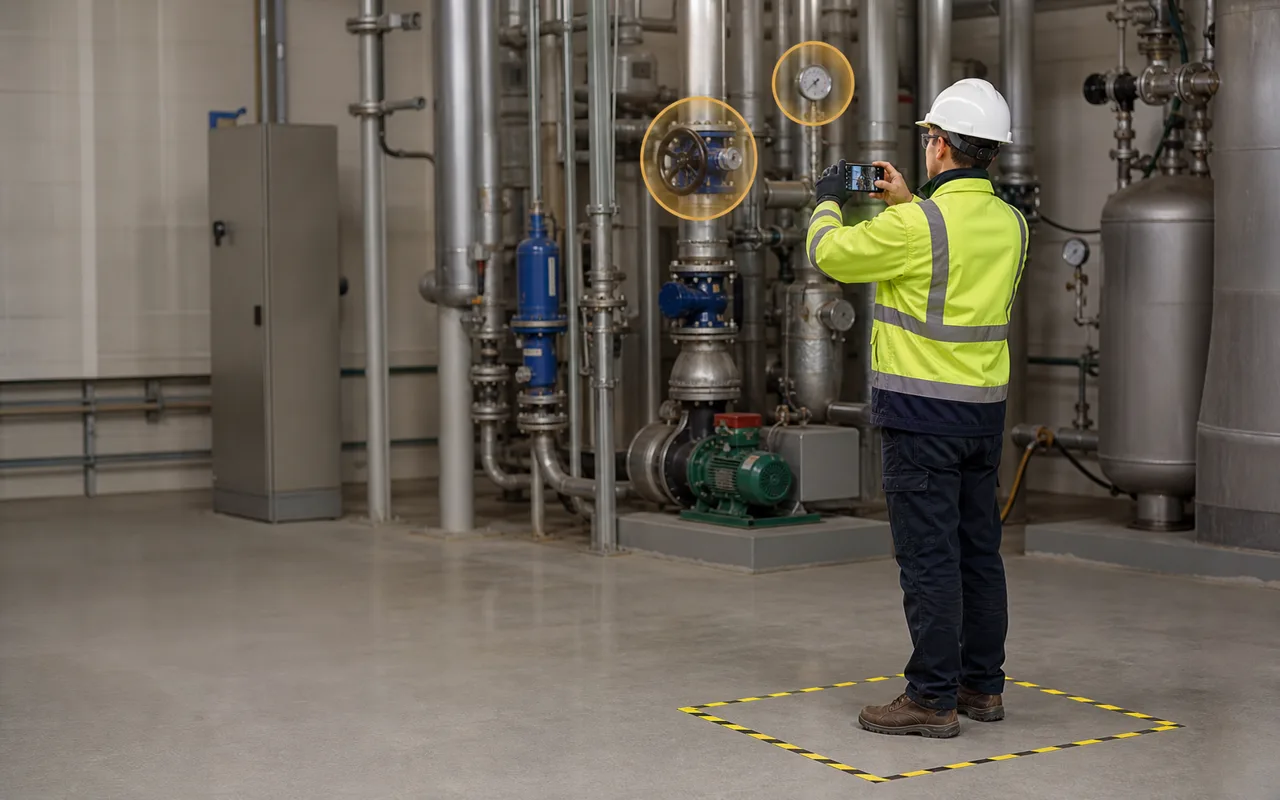
Walk around the device or through the building area while recording it with the GuideMeAR app. A standard smartphone camera is all you need.
Record the physical asset with your phone. GuideMeAR automatically creates a 3D digital twin that you can annotate with instructions, labels and important information.
When someone visits the real asset later, they simply point their phone at it. GuideMeAR recognizes it and displays the saved guidance exactly where it is needed.
Available in early 2027. Register for updates or send us a question.
No LiDAR scanner. No specialist capture equipment. No existing 3D model required.
The knowledge gap
Important information about machines and buildings is often scattered across manuals, photographs, spreadsheets and the memories of experienced employees.
When a technician needs that knowledge, they must search for the correct document, call a senior colleague or wait for an expert to visit the site.
Even when the information exists, it is separated from the physical place where it is needed.
GuideMeAR changes that.
Knowledge in context
GuideMeAR turns a physical device, machine, room or building area into a reusable source of spatial knowledge.
Experts can add guidance directly to its 3D representation. Those annotations remain connected to the correct components and locations.
The next person does not need to interpret a diagram or determine which valve, panel or component the instructions refer to. They point their phone at the real asset and see the information in context.
How it works
1Walk around the device or through the building area while recording it with the GuideMeAR app. A standard smartphone camera is all you need.
 2
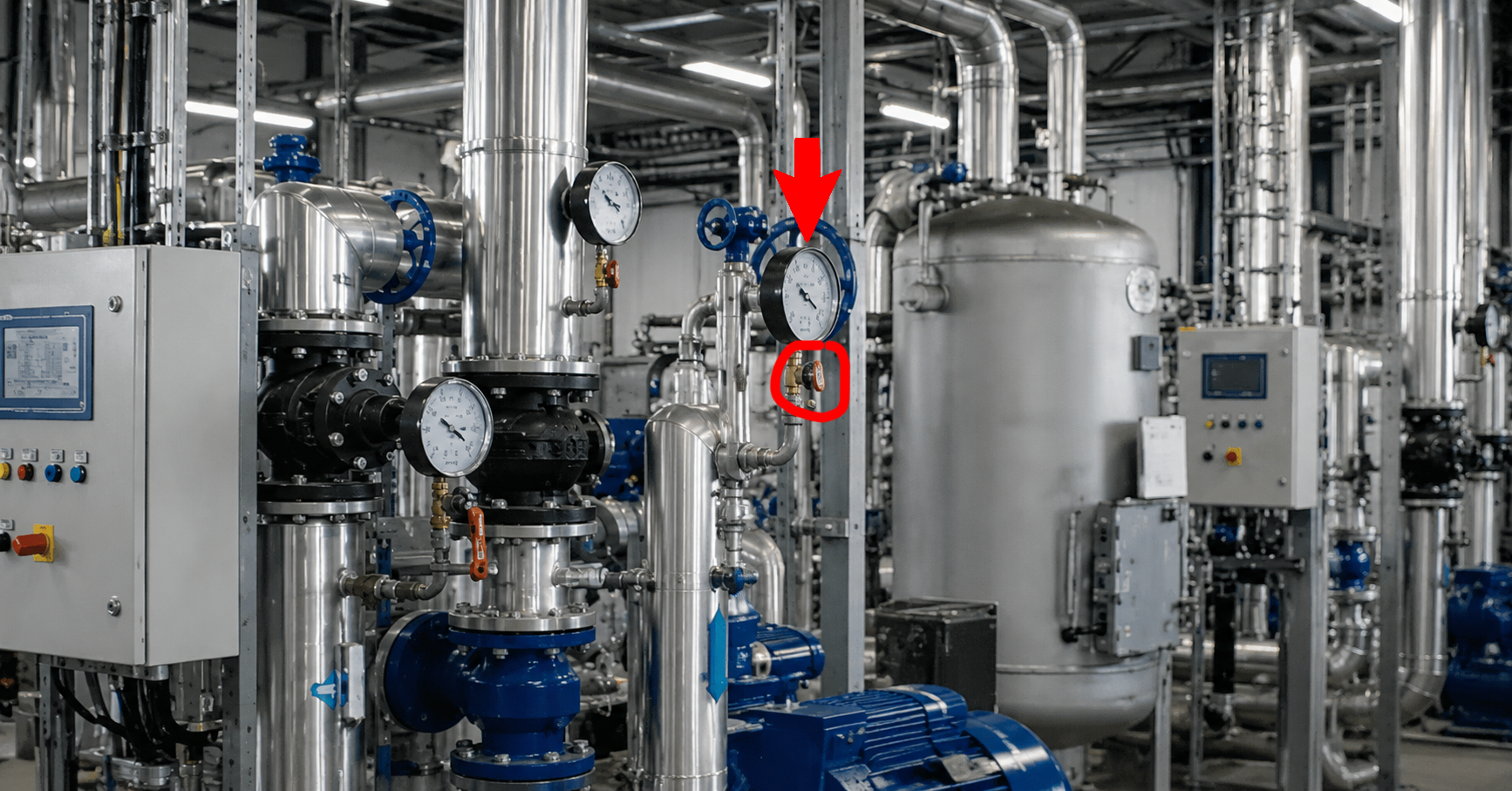
2Your recording is securely sent for processing. After a few minutes, GuideMeAR creates a navigable 3D representation of the captured asset or location.
 3
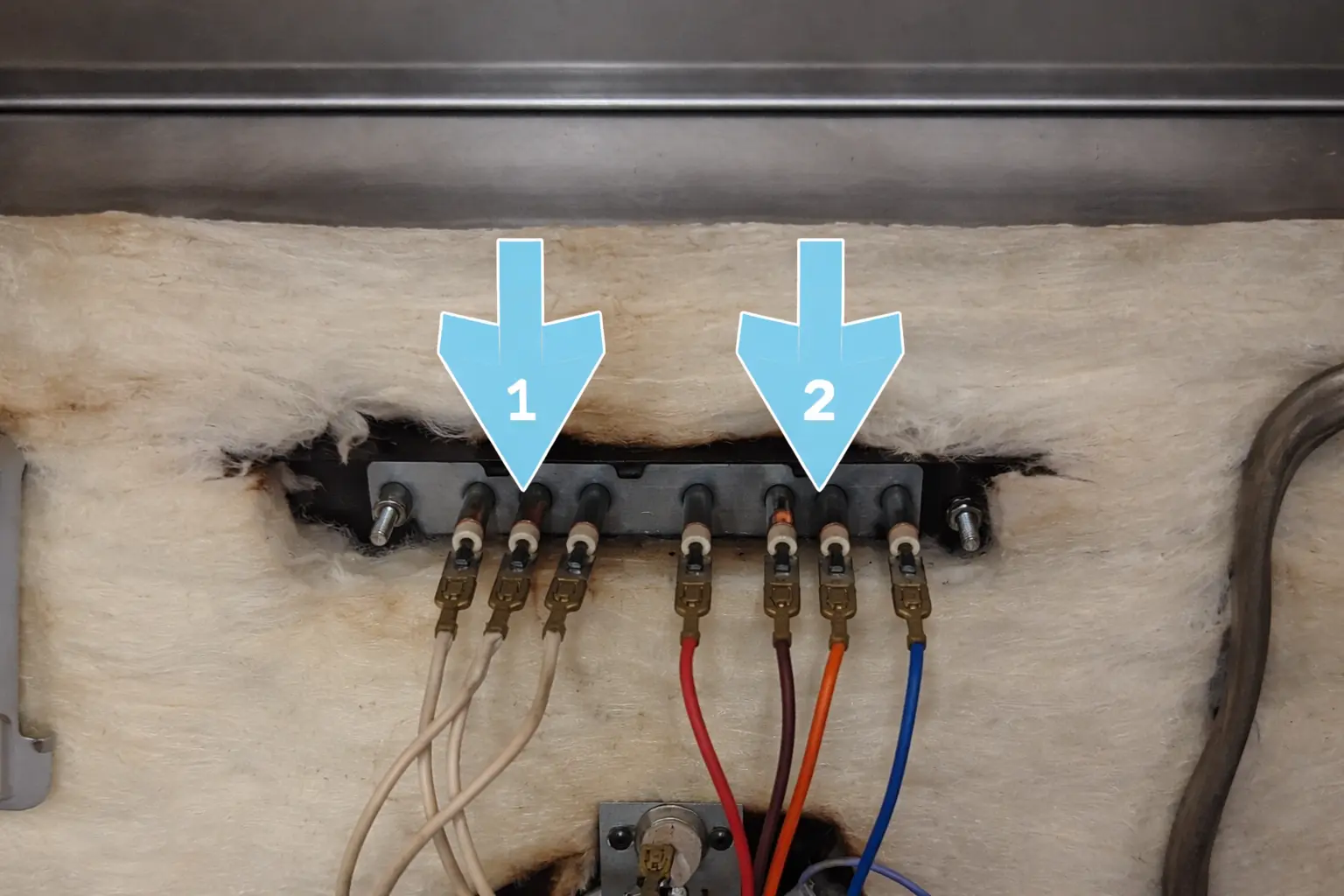
3Open the digital twin and place labels, arrows, warnings, maintenance notes and step-by-step guidance exactly where they belong.
4Point a smartphone at the device or building. GuideMeAR recognizes it and aligns the saved annotations with the real world.
Preserve expertise
Let experienced technicians document their knowledge once instead of travelling every time the same issue appears.
Give every technician access to the same instructions, attached to the same physical components.
Help new workers learn directly from the equipment instead of relying only on classroom training or abstract manuals.
Replace “check the valve on the left” with visual guidance placed on the correct valve.
Review the digital twin remotely to understand the environment, identify the right equipment and plan the work.
Capture what senior employees know before that experience leaves the organization.
Where it works
Attach inspection points, service instructions, safety warnings and troubleshooting guidance directly to industrial equipment.
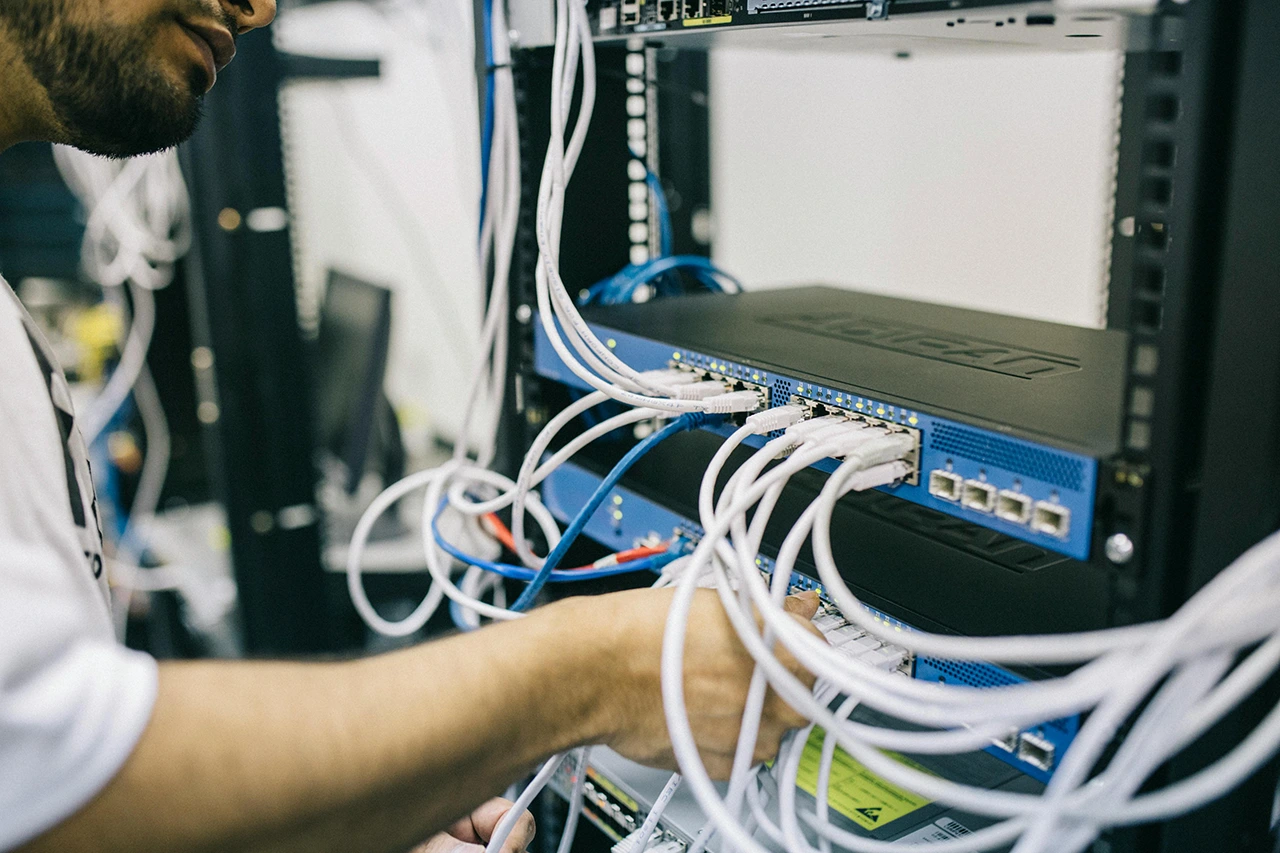
Document electrical panels, utility systems, plant rooms, building infrastructure and hard-to-find service locations.
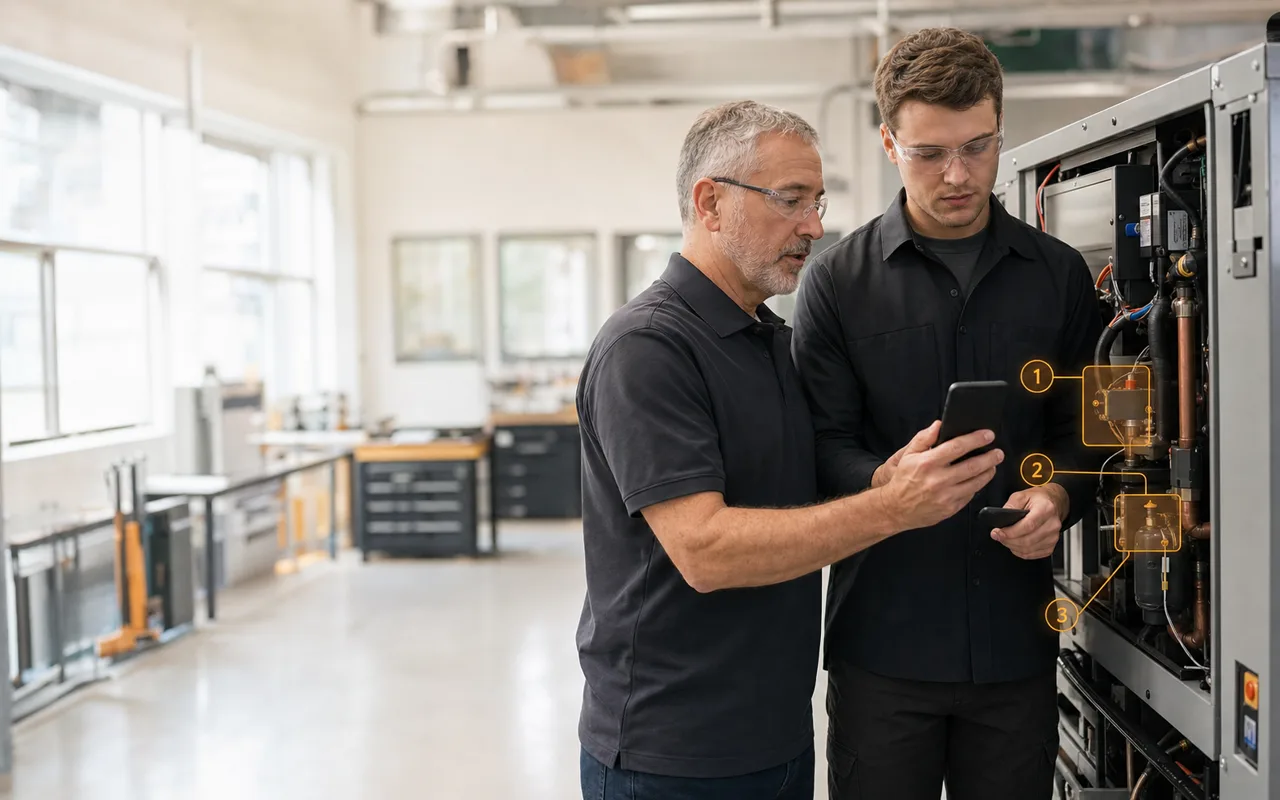
Create reusable, location-specific training that employees can follow while standing in front of the real equipment.
Mark defects, unfinished work, inspection points and important building information in a shared 3D context.
Let customers and field technicians access existing guidance before starting another support call.

Turn an expert’s understanding of a machine or facility into persistent guidance the entire organization can reuse.
A better operating model
Persistent + live guidance
GuideMeAR Digital Twin works together with GuideMeAR Remote Assistance.
Technicians can begin with the instructions already attached to the equipment. When the situation is unusual or additional expertise is needed, they can start a live remote assistance session.
The remote expert sees what the technician sees and can add visual guidance in real time.
Knowledge that compounds
One expert can annotate a machine. Every technician who works on that machine later can benefit from the same knowledge.
One facility manager can document a building. Employees, contractors and service partners can access the right information when they arrive.
The value of each digital twin increases every time your organization adds new guidance.
Frequently asked questions
It is a 3D representation of a real device, machine or building area created from a smartphone recording. You can navigate the representation, annotate it and use it to position information on the corresponding real asset.
GuideMeAR Digital Twin
Stop separating instructions from the equipment they describe. Record the asset with a phone, add your expertise once and make that guidance available every time someone returns to the site.
Available in early 2027. Register for updates or use the form to send us a question.