Visual Assistance Software: What It Is and When to Use It
Compare live visual support with phone calls, screen sharing and stored instructions, and choose a practical workflow for your team.
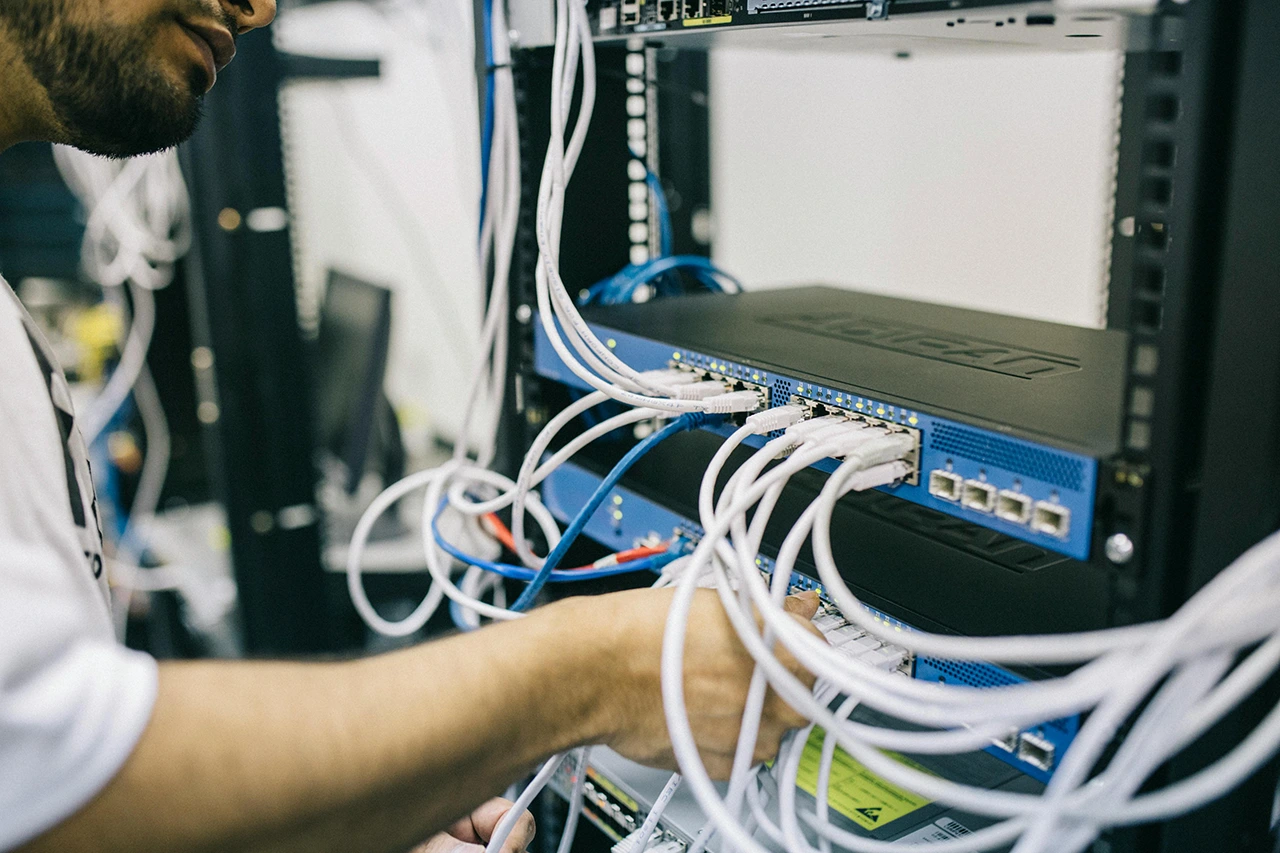
When a physical problem is easier to show than describe, visual assistance software lets a remote expert look through the other person’s camera. The live view shows the surroundings, while arrows and drawings pinpoint the component or action they are discussing.
When visual support fits
Consider a technician inspecting a stopped machine with several similar connectors. After following the site’s safety procedure, the technician shares the camera view. The expert identifies the relevant connector with an annotation, explains the approved inspection and checks the result together. This is an illustrative workflow, not a measured customer outcome.
How it differs from a phone call or screen sharing
A phone call depends on verbal descriptions. Screen sharing helps with software visible on a computer, but does not show the surrounding equipment. Camera-based assistance shows the physical scene, while AR annotations give both people a shared visual reference. An expert must still understand the equipment and its approved procedures.
What to check before choosing a tool
Check supported phones, who must install an app, expert access from a browser, session limits and the features included in each plan. Test the actual network and lighting conditions at the work site. Ask how recordings and customer data are handled, and confirm that required features are available today rather than planned.
What GuideMeAR offers today
GuideMeAR Remote Assist supports live video, 3D arrows, AR drawing and freeze frame. The personal free plan has a 15-minute session limit; business workflows and web access depend on the selected plan. Consult the Remote Assist page for current plans. Session recording is marked coming soon, so do not plan a recorded-training workflow around it yet.
Live assistance or reusable instructions?
A live session requires an expert to participate. Stored instructions can support repeatable tasks without a call. GuideMeAR Digital Twin is planned for early 2027 and is intended to attach reusable guidance to captured assets. It is a separate upcoming product, not a currently included recording feature.
When an on-site visit is still necessary
Remote guidance cannot perform a physical repair, replace a required inspection or remove the need for qualified personnel. Poor connectivity, an unclear camera view or a task requiring specialist instruments can make an on-site visit the better choice. Start with one suitable support task and measure resolution time, repeat visits and user feedback.