Business support with AR
How Business Support Changes With Augmented Reality
Cut resolution times, raise customer satisfaction, and lead users visually rather than depending on complicated spoken instructions.
- Live camera views with visual guidance
- Runs on ordinary smartphones
- Experts support users remotely in real time
Where support falls short
Limits of Traditional Business Support
Instructions that get misunderstood
Costly on-site visits
Onboarding that drags
Support tickets that repeat
Phone calls, PDFs and video tutorials can help, but users still have to work out how the explanation applies to the task in front of them. That extra step adds mental effort and context switching, especially when the job is complex or time is short, and can lead to avoidable mistakes.
A guided workflow
How Support Powered by AR Works
- 1
The customer starts an AR session
From a camera-enabled device, a user begins support and shares the actual situation with an expert.
- 2
The support agent sees the situation from afar
Guesswork and lengthy verbal back-and-forth drop because the expert sees the same context.
- 3
The agent adds AR guidance and annotations
Where action is needed, arrows, highlights, and instructions are placed so users can proceed step by step.
Impact on operations
Main Benefits of AR Business Support
Issue Resolution That Is Faster
Visual arrows, highlights, and contextual instructions in AR overlays cut ambiguity and reduce repeated actions.
Support Costs That Drop
By guiding users remotely, experts cut travel costs, on-site dispatches, and reliance on specialized local staff.
A Stronger Customer Experience
When guidance is visual, contextual, and interactive rather than abstract or purely verbal, users feel more confident.
A Higher First-Time Fix Rate
Users complete tasks correctly the first time because clear sequential direction prevents skipped steps.
Employee Training That Moves Faster
New employees learn unfamiliar procedures with less strain because visual instruction lowers mental workload.
Expertise That Scales
Distributed teams, field technicians, and customers across locations can be supported by a small group of experts.
Where it is used
Where Value Comes From AR Support
Customer Support
When customers need help with equipment, setup, or troubleshooting, swap long explanations for live visual guidance.
Field Service
Technicians on site can be supported by remote experts, so clarity improves without waiting for another specialist to travel.
Manufacturing
Around machines, maintenance procedures, and unfamiliar interface states, sequential AR instructions cut mistakes.
Employee Training
Rather than switching between manuals and equipment, new team members can follow guided workflows in the real environment.
Logistics
With clearer remote collaboration, distributed operations teams can resolve site-specific issues, checks, and handoffs.
Then versus now
AR Support Versus Traditional Support
| Conventional Support | Support With AR |
|---|---|
| Explanations by phone | Guidance that is visual |
| Follow-ups that multiply | Resolution that is faster |
| Communication breakdowns | Instructions that stay clear |
| Visits on site | Assistance from remote |
| Training that is slow | Onboarding that is interactive |
A look at the product
GuideMeAR at Work
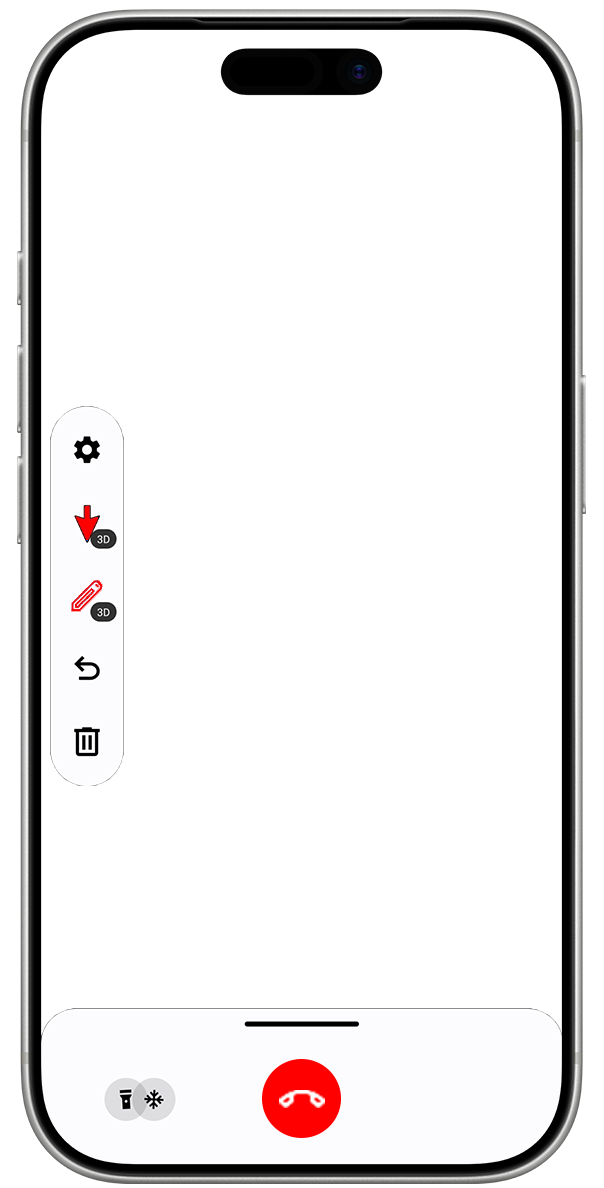
An expert can see the issue from afar with GuideMeAR, draw instructions live, and help the user follow visual AR cues right on their device.
- Over the live scene, draw arrows and notes
- Anchor guidance onto the real-world task
- Reach users from phones and tablets
Results for the business
Results That Matter to Business
Common questions
Questions Asked Often
What does AR remote assistance mean?
Guided remote assistance uses augmented reality to guide someone through a task during a live session. On a camera-equipped device, the user sees step-by-step visual instructions over the real equipment as the work happens.
Are AR glasses required?
Does GuideMeAR work on smartphones?
Which industries gain the most from AR remote assistance?
Is the platform secure?
Ready to Change How Business Support Works?
Swap complicated explanations for visual AR guidance.